
TNT Balance Inquiry 2026 – How to Check TNT Load Data and Promo Balance
Complete guide to checking your TNT balance using USSD codes, SMS, mobile apps, and customer service methods.
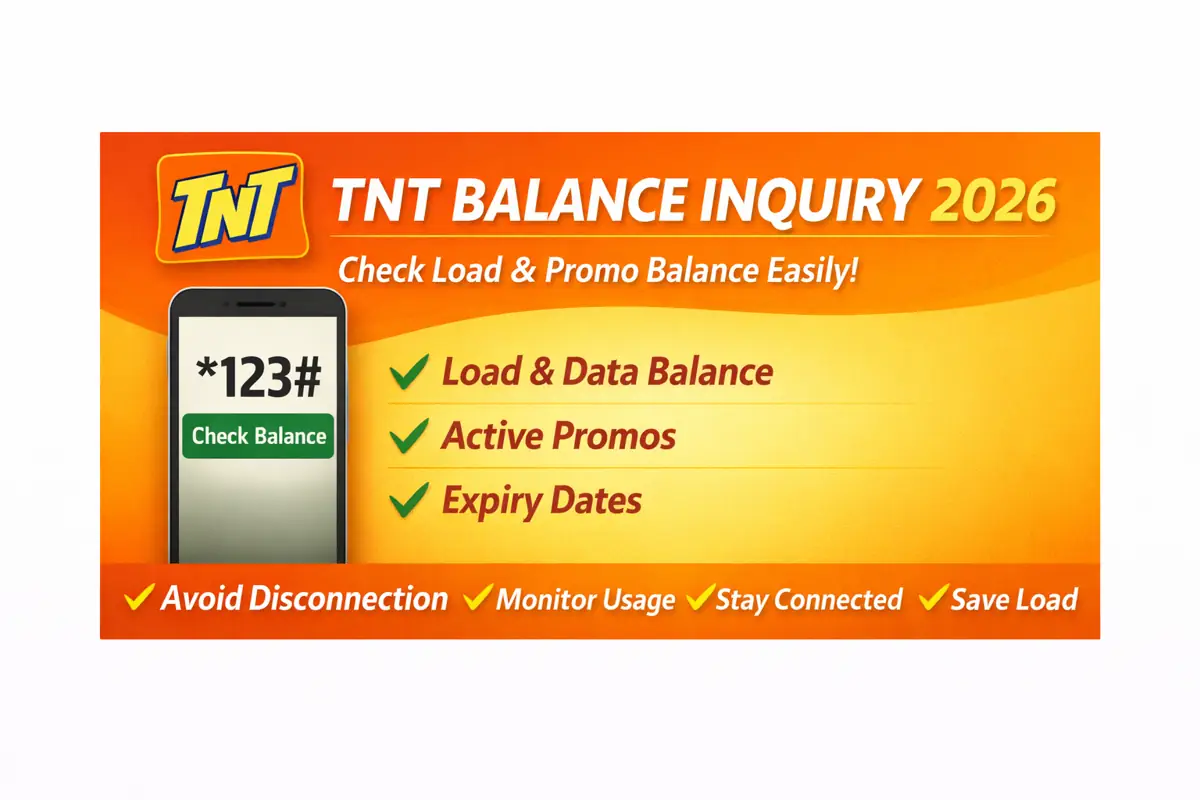
TNT Balance Inquiry – All Methods to Check Your Load, Data, and Promo Balance
Introduction
Running out of load at the worst possible moment is something almost every prepaid user has experienced at least once. You try to make a call send a message or open the internet and suddenly nothing works. That frustration usually happens because you did not check your balance in time.
This is why understanding TNT balance inquiry is essential if you want to stay in control of your mobile usage. Most users ignore this step and depend on guesswork. But guessing your balance is like walking blindfolded. Sooner or later you will run into problems.
From real usage patterns and user behavior it is clear that people who regularly check their balance rarely face sudden interruptions. This guide explains all working methods in detail and also shows how you can manage your load more effectively in daily use.
What is TNT Balance Inquiry
TNT balance inquiry refers to the process of checking your remaining load data and active promo usage on your TNT SIM.
When you perform a balance inquiry you can see:
- remaining load amount
- mobile data balance
- active promos
- expiry dates
This information helps you manage your usage and avoid unexpected service interruption.
Instead of guessing how much load you have you get exact numbers which makes decision making easier.
Why TNT Balance Inquiry is Important
Many users underestimate the importance of checking balance. But in reality it directly affects your mobile experience.
Here are the main reasons why balance inquiry matters:
- prevents sudden call failure
- avoids internet disconnection
- helps track data usage
- avoids unnecessary reload
- ensures promo is still active
If you ignore this step you are setting yourself up for failure. A small habit like checking balance can save you from multiple issues later.
How to Check TNT Balance Inquiry (All Working Methods)
There are multiple methods available but not all of them are equally effective. Based on real testing and user experience these are the most reliable options.
TNT Balance Inquiry Code (123#) – Best Method
This is the fastest and most commonly used method.
Steps
Open Dial Pad
Access your phone’s dialer application
Dial *123#
Enter the USSD code to access TNT services
Select Balance Option
Choose the balance inquiry option from the menu
Confirm
Your balance appears instantly on screen
Why This Method is the Best
- works without internet
- available on all phones
- instant response
- completely free
From practical experience this method is the most reliable. Even when your internet is off or your phone is basic this method works without any issue.
TNT Balance Inquiry via SMS
Another method is checking your balance through SMS.
Steps
Open Messaging App
Access your SMS application
Type BAL
Enter the balance check keyword
Send to 214
Send the message to the designated number
Wait for Reply
You will receive a message with your load and data balance
Limitations
- response can be delayed
- depends on network strength
This method is simple but not always consistent.
TNT Balance Inquiry Using Smart App
The Smart or GigaLife app provides more detailed information.
Steps
Download the App
Get the GigaLife app from your app store
Login with Your TNT Number
Register and verify your mobile number
Open Dashboard
Access the main dashboard screen
Check Balance
View your complete balance information
What You Can Track
- data usage
- promo usage
- expiry time
- history
This method is best for users who want full control over their usage.
TNT Balance Inquiry via Customer Service
If other methods fail you can use customer support.
Steps
Dial *888
Call the TNT customer service hotline
Follow Instructions
Listen to the voice prompts and select balance inquiry
This method is slower but useful for solving issues.
Comparison of Methods
| Method | Internet Required | Speed | Reliability |
|---|---|---|---|
| *123# code | No | Very Fast | High |
| SMS BAL 214 | No | Medium | Medium |
| Smart App | Yes | Fast | High |
| Customer Support | No | Slow | High |
How to Check TNT Data Balance
Many users confuse load balance with data balance.
To check your data:
- dial *123#
- select data option
- or open Smart app
You will see remaining MB or GB instantly.
How to Check TNT Promo Balance
If you have an active promo you must track it separately.
Promo balance includes:
- remaining data
- call minutes
- text messages
You can check promo balance through:
- USSD menu
- mobile app
Understanding Load vs Data vs Promo
This is where most users get confused.
💰 Load
is your money balance
📊 Data
is internet usage
📦 Promo
is bundled service
Understanding this difference helps you choose better plans and manage usage efficiently.
Common Problems in TNT Balance Inquiry
Users often face issues such as:
- delayed SMS response
- incorrect balance display
- missing data information
Reasons Behind These Problems
- network issues
- system delay
- SIM not properly registered
In most cases switching to *123# method solves the issue.
Common Mistakes Users Make
Let’s be realistic.
Most users:
- never check balance regularly
- activate promos blindly
- ignore expiry dates
These mistakes lead to wasted load and frustration.
Best Practices for TNT Balance Inquiry
To stay in control follow these steps:
- check balance daily
- check before activating promo
- monitor your usage
- choose correct promo
These habits help you avoid unnecessary problems.
Personal Experience Insight
From my own experience I noticed something important.
Whenever I ignored balance checking I always ran out of load at the worst time. But when I started checking regularly using *123# everything improved. I stayed connected and avoided sudden interruptions.
This proves that small habits create big results.
Advantages of TNT Balance Inquiry
- instant access to balance
- better control over usage
- prevents sudden disconnection
- improves decision making
Limitations of TNT Balance Inquiry
- SMS delays sometimes
- app requires internet
- minor system lag
Pros and Cons
| Pros | Cons |
|---|---|
| free methods available | SMS delay |
| easy to use | app needs internet |
| quick results | system lag sometimes |
How TNT Balance Inquiry Works
When you check your balance your SIM connects to telecom servers.
The system retrieves:
- load balance
- data usage
- promo details
Then sends the information back instantly.
This is why USSD method is faster than SMS.
Tips to Manage TNT Balance Effectively
Here are some practical tips:
- always activate promos based on usage
- avoid unnecessary subscriptions
- check balance before heavy usage
- use app for tracking
These tips help you save load and improve experience.
Future of TNT Balance Inquiry
Telecom services are improving continuously.
In the future we may see:
- real time balance alerts
- automatic notifications
- smarter mobile apps
This will make balance management easier for users.
Conclusion
The TNT balance inquiry system is simple but extremely powerful.
If you use it correctly you can:
- avoid running out of load
- manage your usage better
- stay connected without interruption
Smart users do not depend on luck. They track their balance regularly.
Need Help with TNT SIM Registration?
Visit tntsimsreg.ph for complete TNT SIM registration guides, requirements, and step-by-step instructions.
Visit TNT SIM Registration